My AI talks to me when I am driving
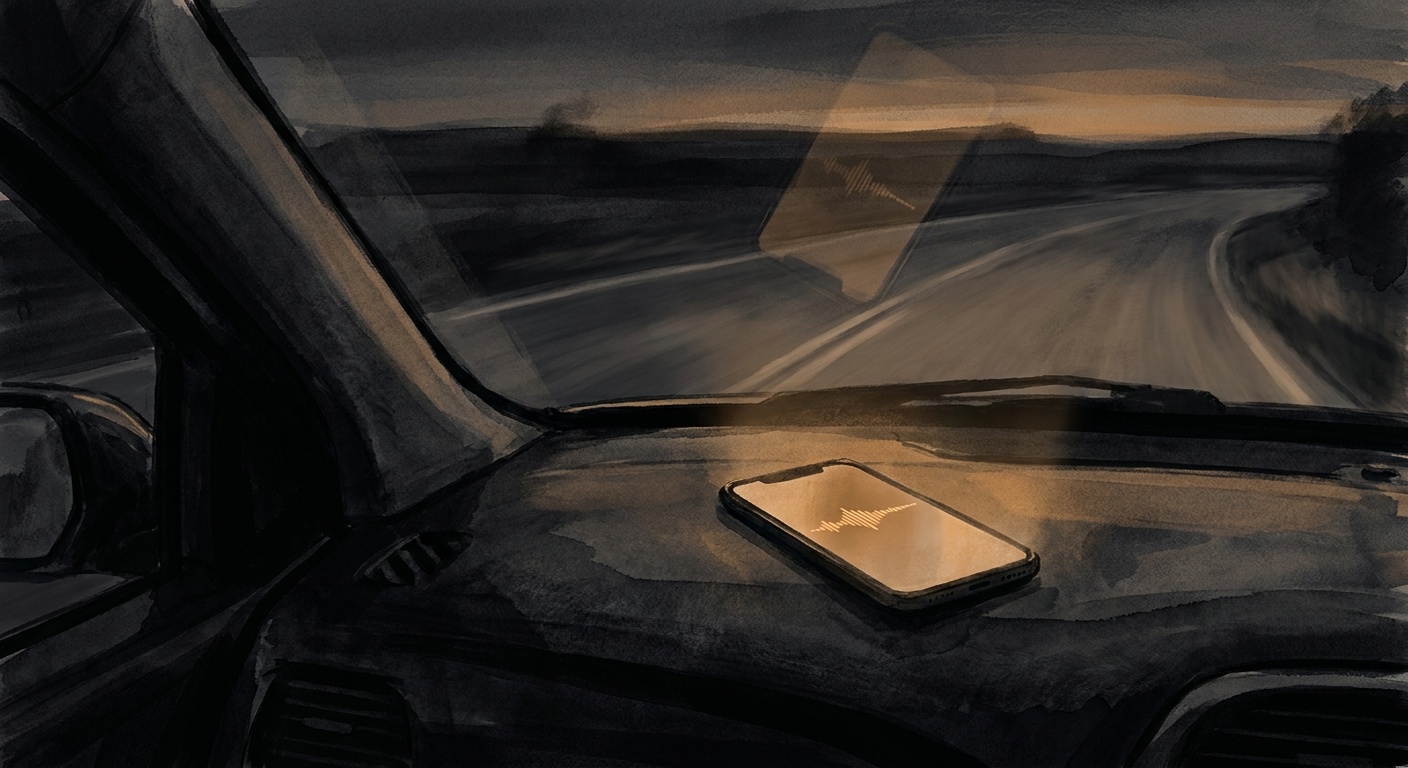
Sometimes I am driving. I cannot read a wall of text on my phone. So I taught my agent to talk instead.
The wall-of-text problem
I run my work day through Telegram. Every agent I have routes its updates there. That works great when I am at my desk. It does not work when I am behind the wheel.
On a normal day I might be driving from St. Thomas to a client visit, or out to a chamber event, or just to the grocery store. I get an update from one of the agents. It is three paragraphs of text. I cannot read it. I should not be reading it. I miss the update or I pull over.
Both options are bad. The first means I lose context. The second means I lose time. So I built a third option.
ElevenLabs plus Telegram audio
The voice-reply tool. It is short. About a hundred lines of code. It takes a string of text, sends it to ElevenLabs for voice generation, gets back an audio file, and posts the file to Telegram using the sendVoice endpoint.
Telegram renders sendVoice messages as native voice notes. A play button shows up in the chat. I tap it once and my phone plays the audio through the car speakers over Bluetooth.
Want real back and forth while driving? There is a second path. The agent has my Twilio API key. It has an ElevenLabs voice. It has an OpenAI realtime hookup. I call my own number. I talk to the agent live. The agent then sends the talk to Telegram. That one is truly hands-free.

When it fires
The trigger is mostly me. I tell the agent I am driving, or on the way to something, or just say "say it." The agent flips into voice mode and routes the next reply through that voice-reply tool instead of plain text.
I picked this trigger on purpose. I do not want every reply to be a voice note. Voice is slower to skim than text. When I am at my desk, text wins. The point of the system is that I get to choose, and the agent respects the choice.
I also have it set up so an agent can choose voice on its own when the reply is short and confirms an action. "Email sent." "Inbox cleared." "Laura logged it." Two or three seconds of audio. No reading required.
What this opens up for operators
Most operators I work with have their hands full all day. They drive to job sites. They walk the floor. They talk to a customer. Most AI tools assume you can sit and type. That does not fit how these folks work.
A voice channel changes the math. Now your agent can give you a real update while you walk from one meeting to the next. You ask a question by voice note. You get a voice note back. The loop is as fast as a quick text with a coworker.
I am not the first to wire ElevenLabs to a chat. The lesson is not the tools. The lesson is that an agent should meet you where you are. Spend two hours a day in your car. An agent that only writes paragraphs leaves two hours of your day on the table.
Mine doesn't anymore.
← Back to blog