Your laptop or the cloud? What it actually takes to run an AI agent.
My friend Offek asked me last week. "How many cores and RAM per box?" He wanted to run AI agents. He needed to pick a VM size or a cloud server. Good question. The answer shocked him. It might shock you too. It all comes down to one thing. Where does the AI thinking happen?
The question everyone asks first
When folks hear I run three AI agents all day, they ask about the hardware first. They picture rows of GPUs. Or at least a big rig with loud fans. I get it. That is the picture most people have. AI means big hardware.
My agents run on small DigitalOcean boxes. Two CPUs. Four gigs of RAM. That is all. No GPU. No fancy parts. Plain Ubuntu boxes in Toronto.
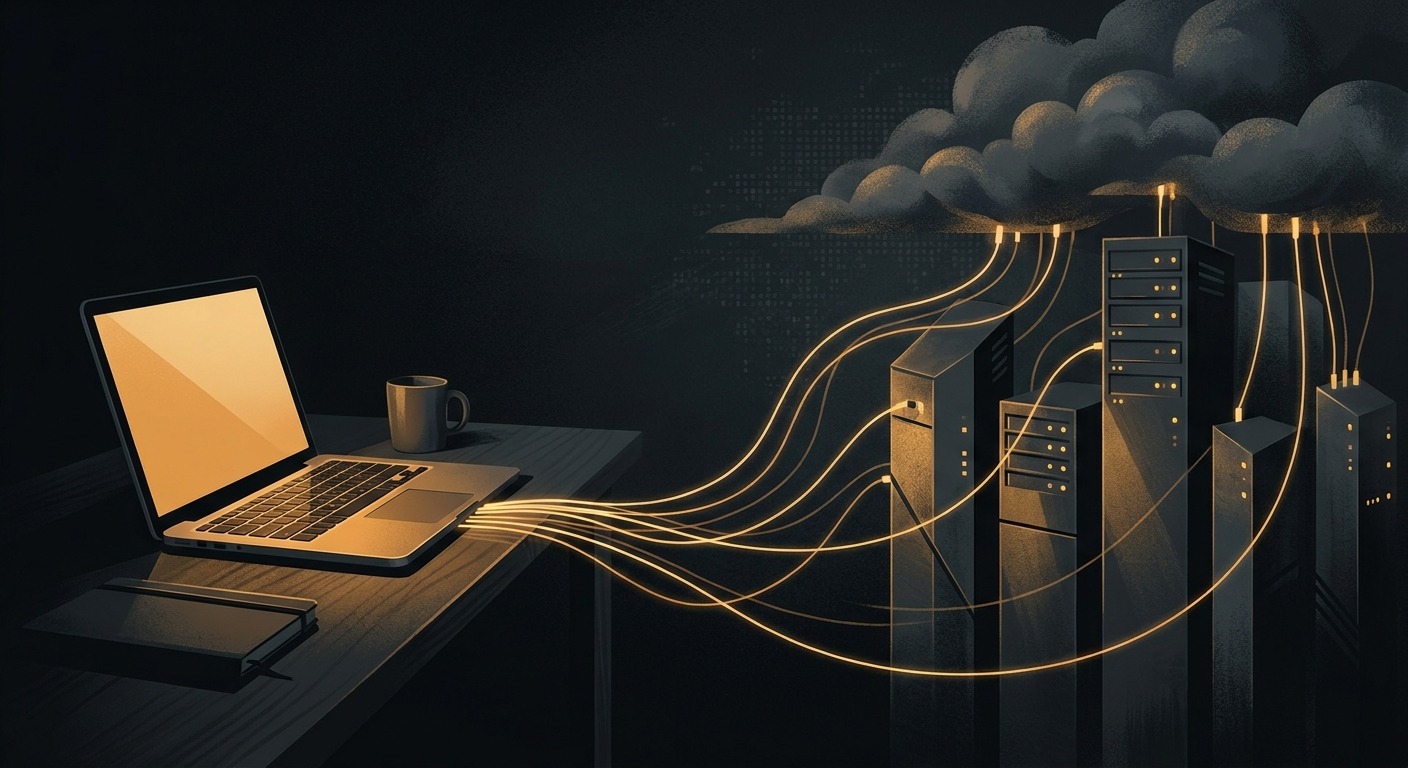
The reason it works is simple. The AI does not run on those machines.
Cloud API agents: almost nothing required locally
I run my agent on Claude Code. Claude Code is a thin CLI client. It does not do the thinking. When my agent gets a task, the model runs on Anthropic's servers. My droplet sends the prompt over HTTPS. It gets a reply back. That is it.
The local box runs Node.js. It holds a tmux session. It fires off tool calls. That means file reads, shell commands, and API requests. It also keeps state. That is the whole job. For work like that, you need almost nothing:
- 1-2 vCPUs to run Node.js and handle tool execution
- 2-4 GB RAM for the CLI process, background tasks, and headroom
- Node.js 20+ (or Bun, which is what I actually use)
- Stable internet connection (the bottleneck is network latency, not compute)
- 20-50 GB disk for the OS, logs, tools, and working files
The cheapest DO droplet has 1 vCPU and 1 GB of RAM. It can run one Claude Code agent fine. I pick the s-2vcpu-4gb tier instead. My agents do more than chat. They run Bun servers. They run MCP tool jobs. They run cron jobs. They run Caddy as a reverse proxy. They run other scripts in the background too. The extra room keeps things from getting tight.
My setup has three agents. Ender runs on my laptop and does other work too. Alex and Laura each run on their own small DO droplet. All three stay up all day, every day. Total infra is two small droplets.
Local LLMs: a completely different story
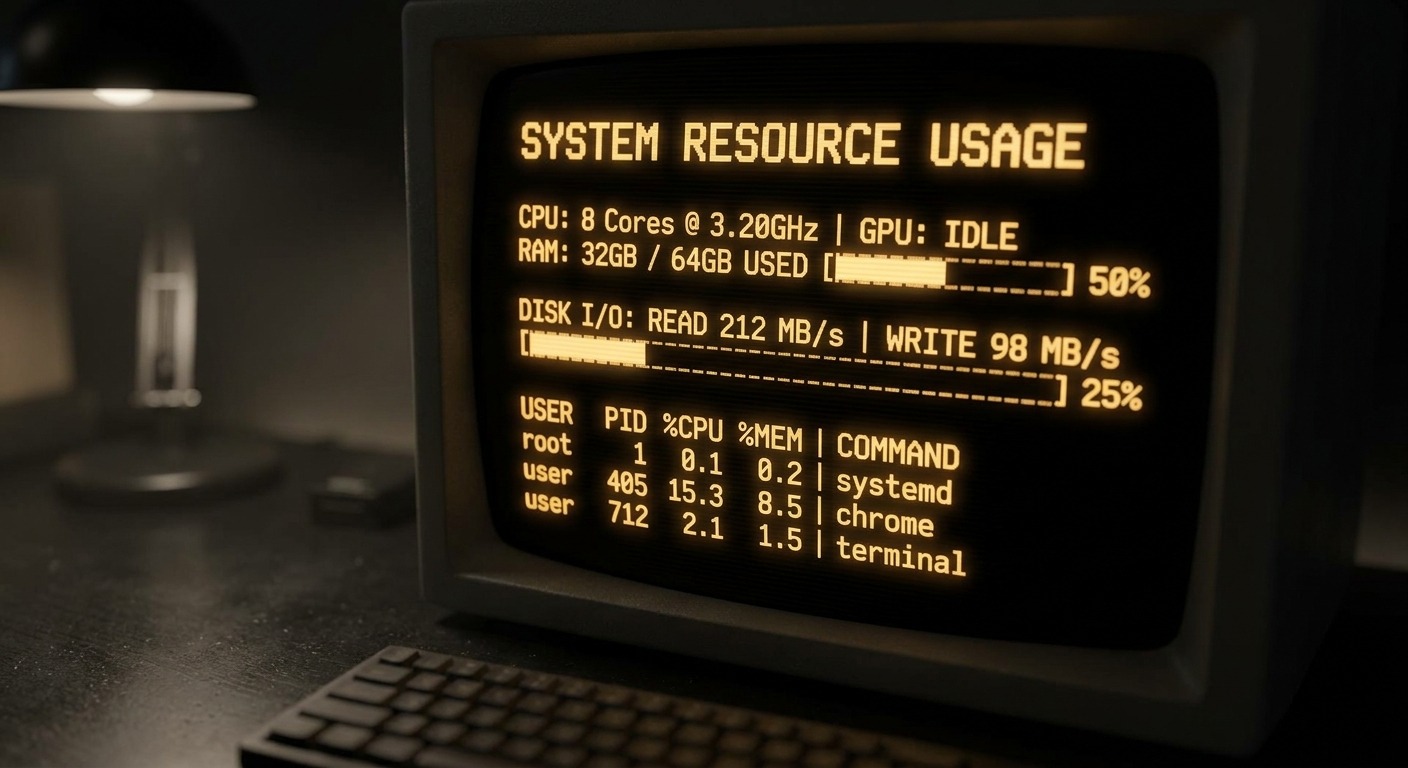
Now, running the model on your own hardware is a whole other thing. A local LLM means you run it yourself. Tools like Ollama, llama.cpp, or vLLM do this. The inference runs on your machine. And inference is where all the compute goes.
Here is what local models need:
- 7B parameter model (like Mistral 7B): 8 GB RAM minimum, runs on CPU but slow. Usable for simple tasks.
- 13B parameter model (like CodeLlama 13B): 16 GB RAM, noticeably better quality, still CPU-runnable but you'll feel the latency.
- 70B parameter model (like Llama 3 70B): 64 GB+ RAM for CPU inference. Realistically needs a GPU with 48+ GB VRAM for acceptable speed.
- GPU acceleration: NVIDIA cards with CUDA support. A 24 GB VRAM card (RTX 4090 or A5000) handles quantized 13B-30B models well. For 70B, you're looking at A100s or multi-GPU setups.
Quality matters too. A local 7B model is not Claude Opus. Not close. Real agent work needs the model to write code. It needs to call tools. It needs to think through hard business logic. It needs to not make stuff up. For that work, the top models from Anthropic, OpenAI, and Google are still way ahead. The gap is getting smaller. But today, the gap is real.
The Apple Silicon wildcard
There is a third path worth a look. Apple's M-series chips use unified memory. The GPU can hit all your RAM at full speed. No PCIe choke point. No split VRAM pool. That flips the local LLM math.
A maxed-out MacBook Pro with the M4 Max chip gives you 128 GB of unified memory at the top of its config tier. That is enough to run Llama 3 70B at full quality with room to spare. For a laptop, that is remarkable. You can run serious local models on a plane with no internet.
If you want to go further, the Mac Studio with the M3 Ultra chip tops out at 512 GB of unified memory at the high-storage config. At 512 GB, you can fit quantized versions of the largest open models available, including DeepSeek R1 at 671 billion parameters. That is a desktop machine running a model that normally requires a multi-GPU server rack.
The catch. You pay top hardware prices up front. You still run open models. They are not as good as cloud models for hard agent work. It is the best local setup. The tradeoffs stay the same. Good for testing. Good for privacy. Good for fine-tuning. Not yet as good as the cloud for real agent work.
The real comparison: cost to run a production agent
Here is the honest side by side.
| Cloud API (my setup) | Local LLM (self-hosted) | |
|---|---|---|
| Hardware footprint | Small DO droplet (monthly) | GPU rig (one-time, several thousand) |
| Model access | Claude Max subscription (monthly) | Free (open-weight models) |
| Model quality | Frontier (Opus, Sonnet) | Good but not frontier |
| RAM needed | 2-4 GB | 16-64+ GB |
| GPU needed | No | Strongly recommended |
| Latency | Network-bound (~1-3s first token) | Compute-bound (varies wildly) |
| 24/7 uptime | Built in (cloud VM) | You manage power, cooling, restarts |
| Privacy | Data crosses the wire | Everything stays local |
| Setup complexity | Low (spin up a droplet, install Node, go) | High (drivers, CUDA, model downloads, tuning) |
| Year 1 cost shape | Predictable monthly OpEx | Front-loaded CapEx plus electricity |
What I actually recommend
For AI agents that run your business, the cloud wins right now. The math is simple. A small server each month, plus a model plan, gets you top AI output. It runs day and night. You touch no hardware. You can be live in an afternoon.
Local LLMs have a place. Maybe you want to play with one. Maybe you need it for something private. Maybe you want to train a model on your own data. Maybe you want to learn how it all works deep down. Running Ollama on your own box is a great way to learn. I do it myself for testing.
But some agents do real work. They send real emails. They handle real client data. They have to be reliable at 3 AM on a Tuesday. For those, I want the best model I can get. I want it on hardware I don't have to babysit. That means a small droplet. It talks to Anthropic's API.
The answer to Offek's question
Two vCPUs. Four gigs of RAM. A small DigitalOcean droplet in Toronto. That is what runs each of my production AI agents. The secret is that the hard work happens somewhere else. Your local machine is the hands. The brain is in the cloud.
Building your first AI agent? Don't fuss over hardware. Grab a cheap VPS. Install your runtime. Point it at a cloud model. Start building. You can size up the box later. The server is not the hard part. The hard part is what you build on top.
← Back to all posts